



Connect
Say what you’re looking for the way you’d say it to a colleague. No filters, no timestamps, no camera numbers.
ONE ON-SITE COMPUTER
ANY BRAND · ANY AGE



What happens between the camera and the call
Say what you’re looking for the way you’d say it to a colleague. No filters, no timestamps, no camera numbers.
The system builds a profile of routine activity: which areas are used, at what hours, along which routes. That baseline is specific to your site.
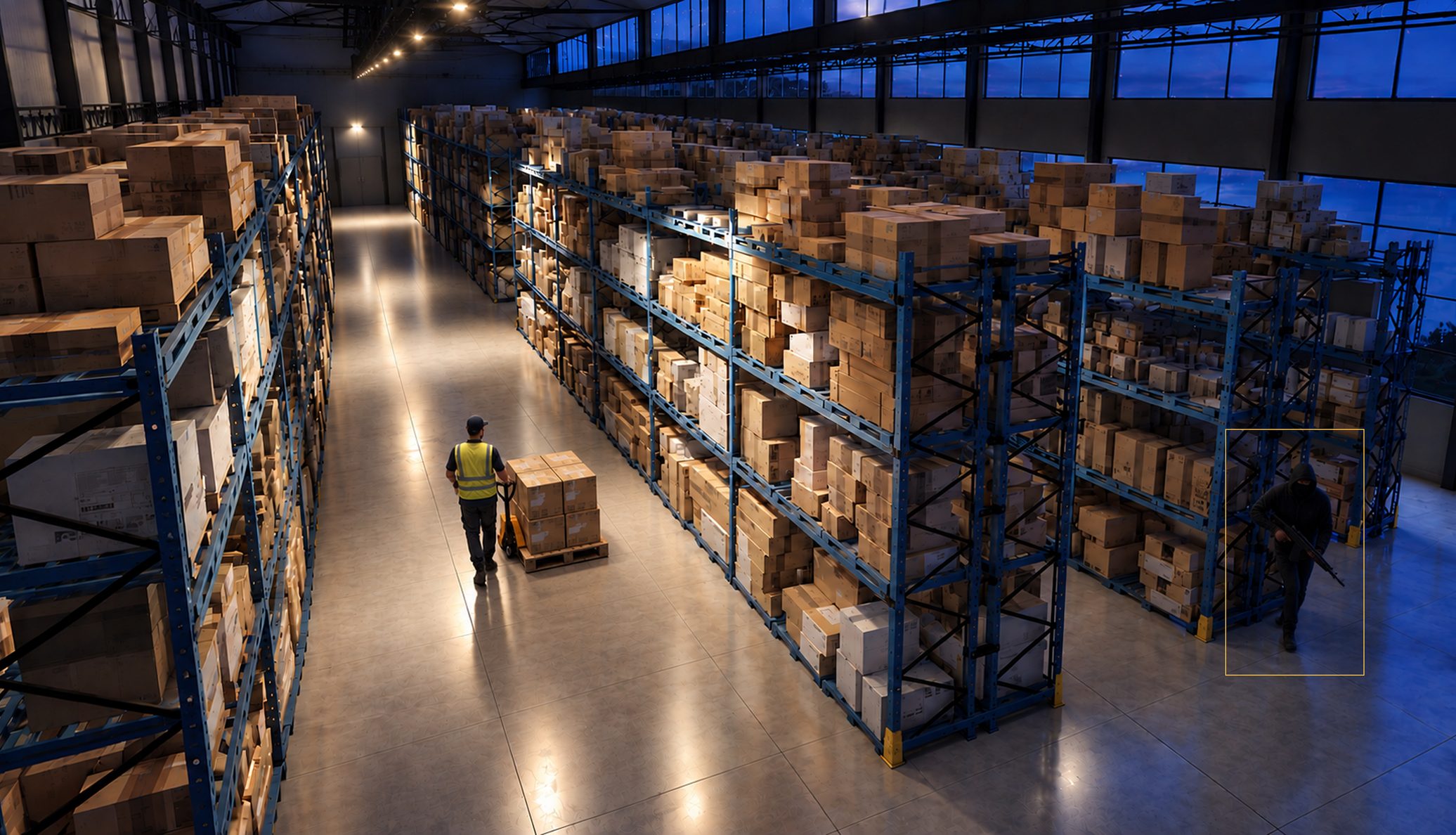
Activity that departs from the pattern is flagged as it occurs. Because it measures against your baseline rather than detecting motion, routine events stop generating alerts.
An operator reviews what the system escalates. Automated escalation treats a resident who lost their keys and an actual intrusion identically. An operator does not.
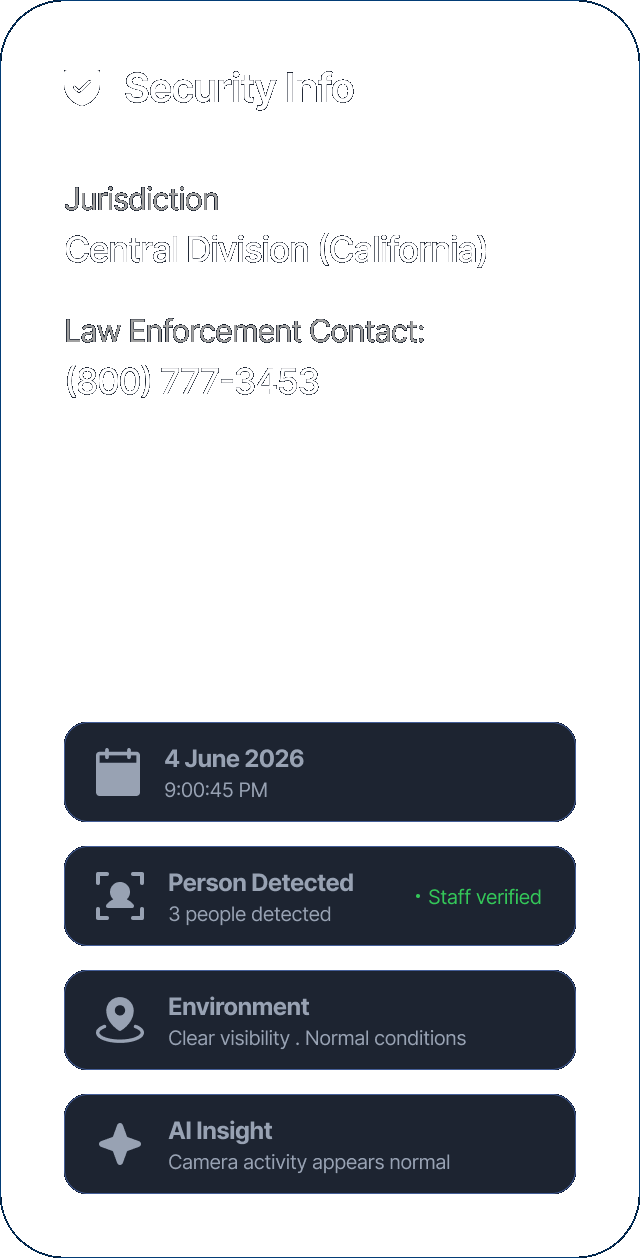
Confirmed incidents go immediately to whoever your response plan names. Everything else is logged into the morning summary.
Most of what Ocular does happens live. But incidents still need documenting, insurers still ask questions, and someone still has to find the clip.
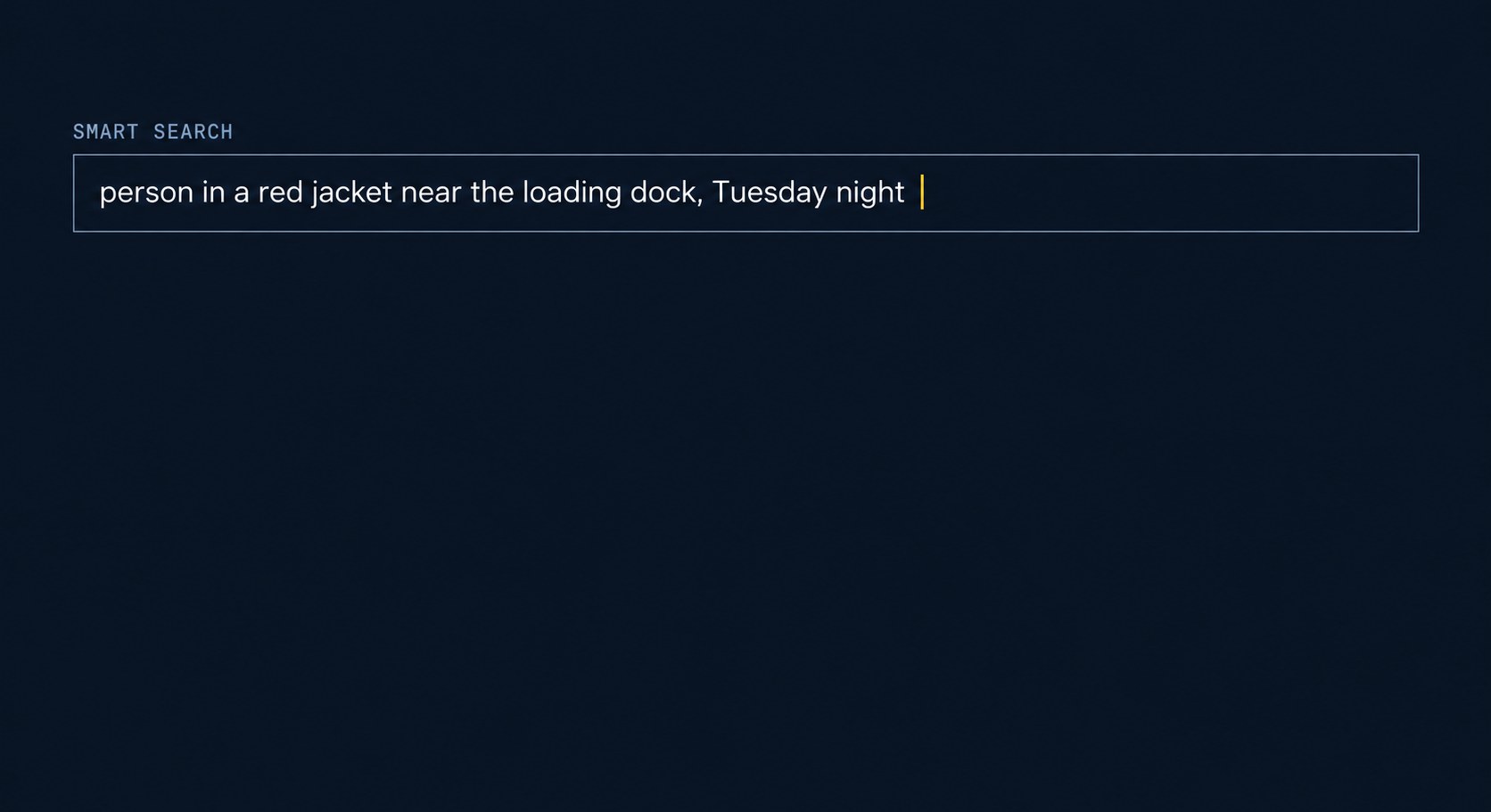
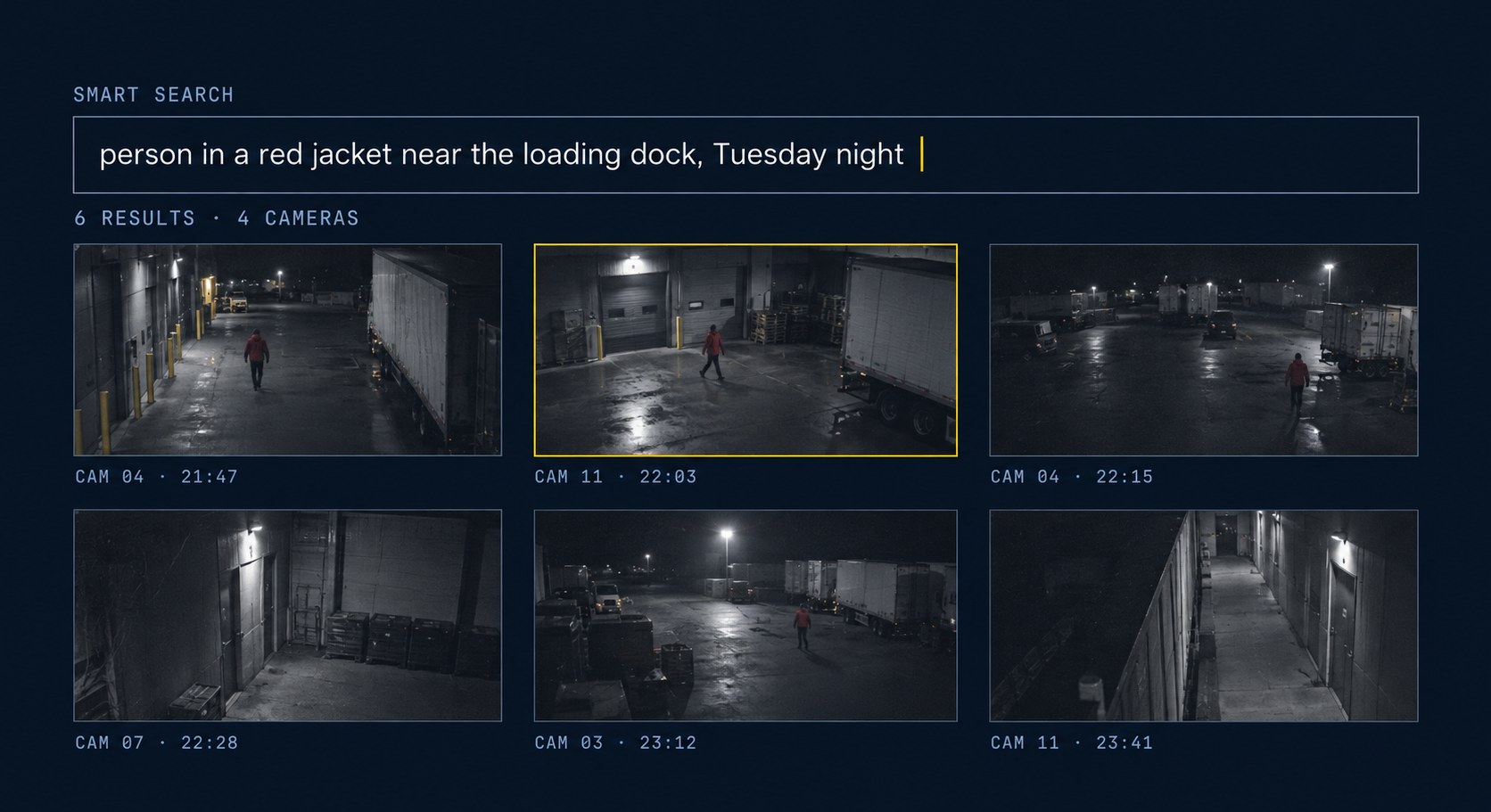
Say what you’re looking for the way you’d say it to a colleague. No filters, no timestamps, no camera numbers.
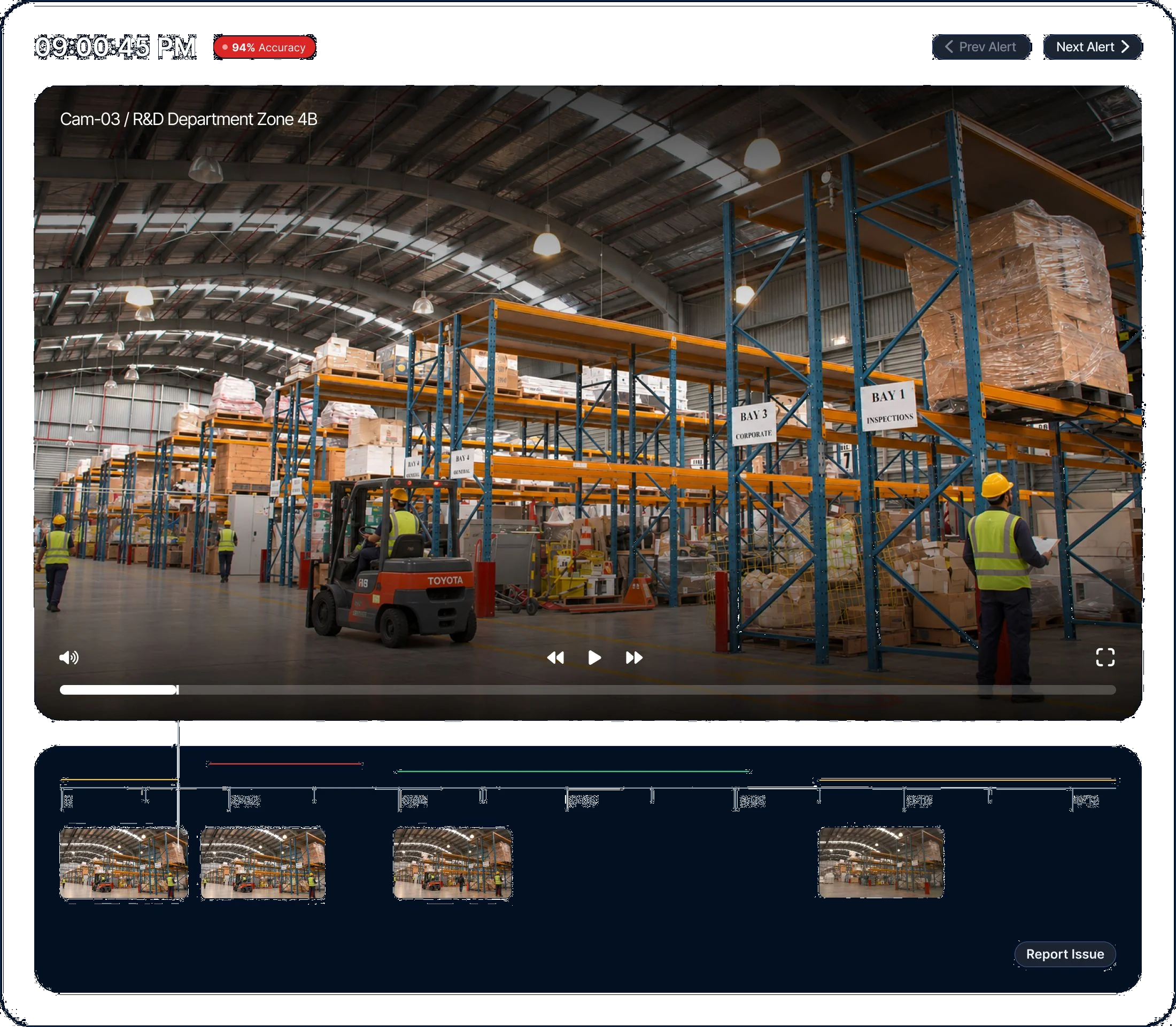
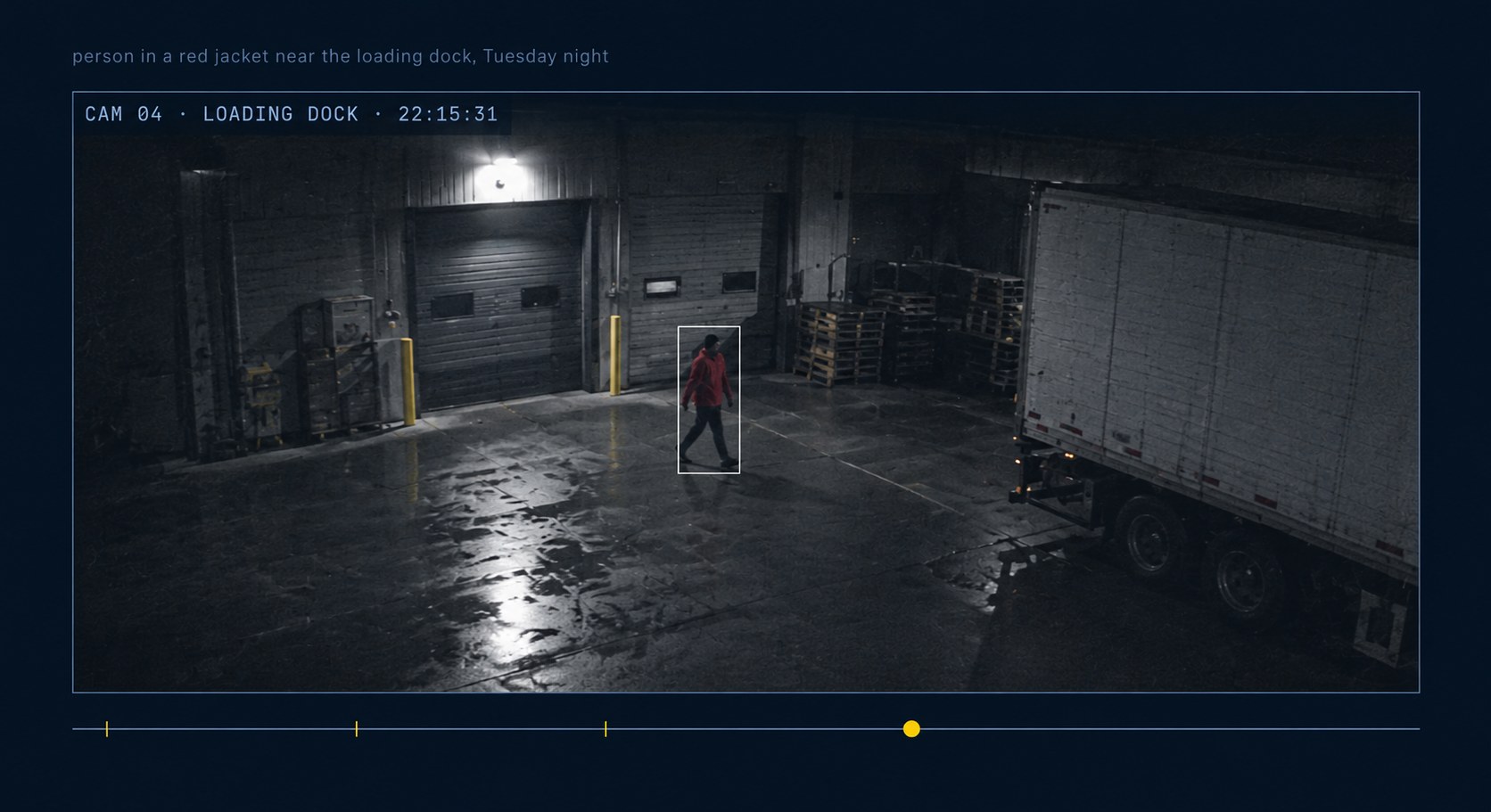
Every connected camera is searched at once — including the feeds you wouldn’t have thought to check.
Results come back as clips, ready to share with law enforcement, insurers or management without exporting an hour of footage around them.

 Yes
Yes
Yes
Yes
Yes
Yes
Yes
Yes
 No
Yes
No
Yes
No
Yes
No
Yes
No
Yes
Yes
Yes
No
Yes
No
Yes
No
Yes
No
Yes
No
Yes
No
Yes
Yes
Yes
No
Yes
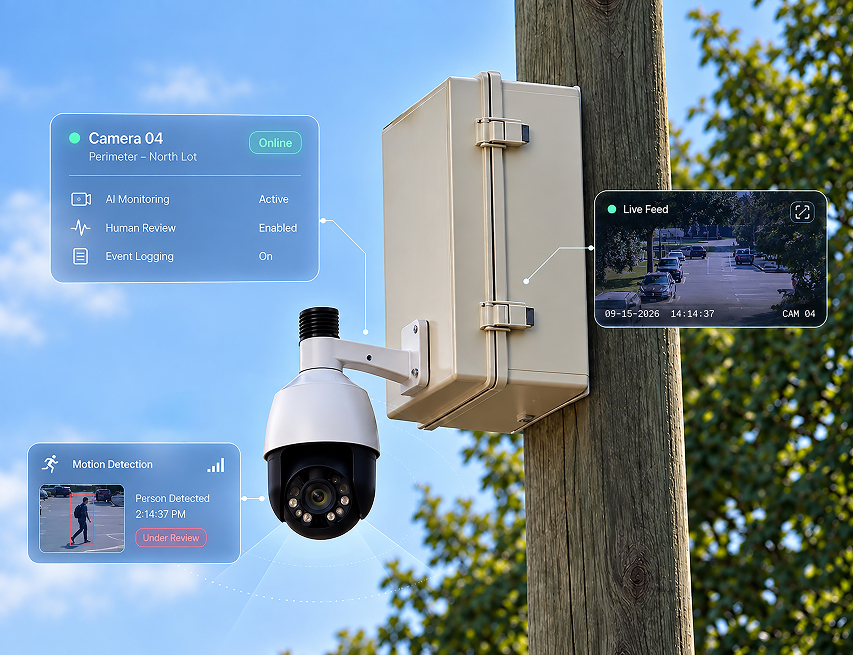
Cameras get added over the years, rarely matching. Ocular works across all of them without replacing anything.
HUMAN-BACKED SURVEILLANCE.